

A Windows 11 update released in August seems to be causing serious trouble for some SSDs, especially those using Phison controllers. The cumulative patch, KB5063878, included in version 24H2, has triggered reports of SSDs vanishing from Windows during heavy write operations – like installing large games or moving 50 GB or more of data. While some drives reappear after a reboot, others fail entirely, potentially resulting in data corruption or total loss. Microsoft has acknowledged multiple reports and is investigating the issue, according to TechRadar.
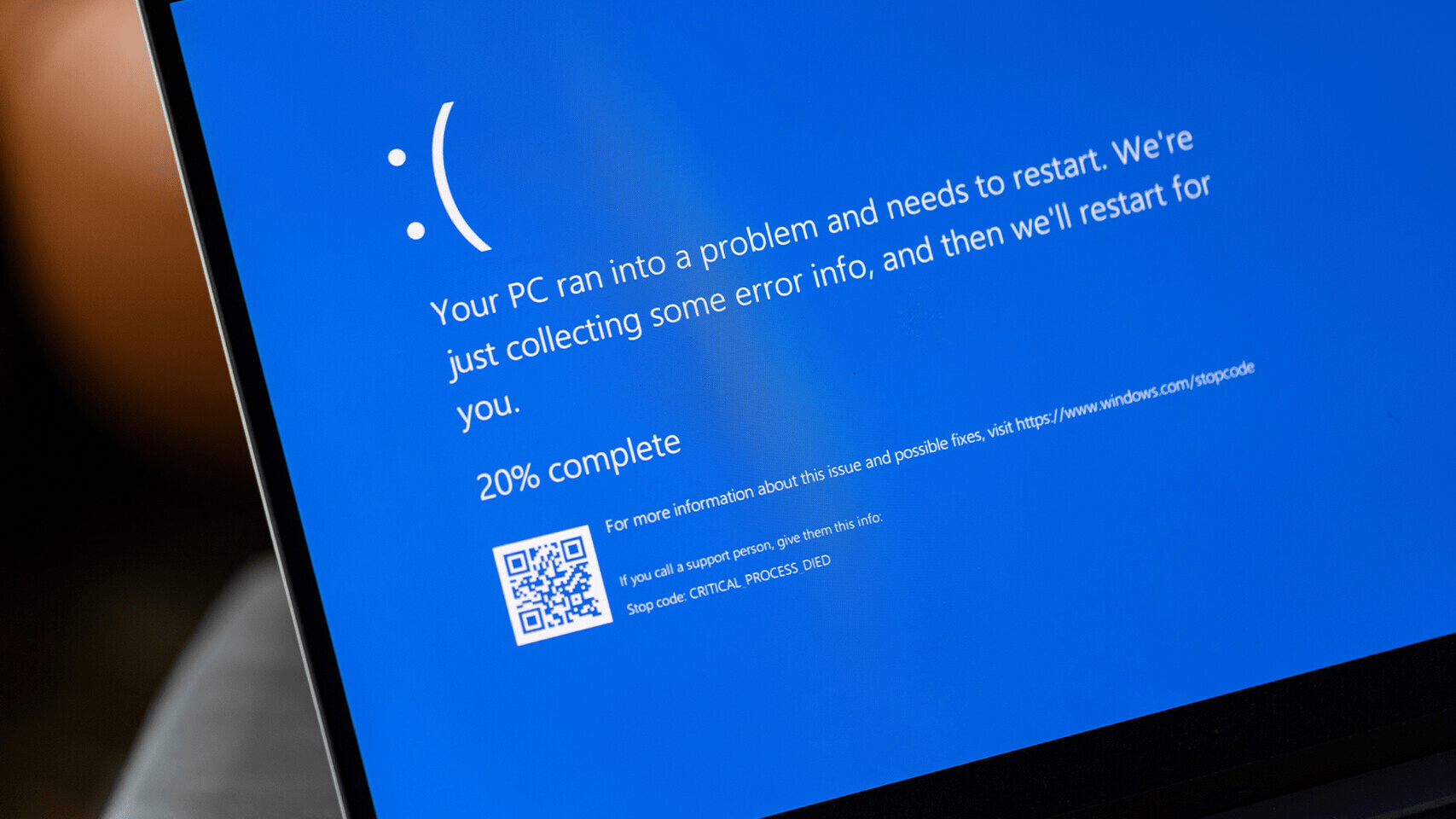
Affected drives are not limited to obscure models. Users of the Adata SP580, Corsair Force MP600, Kioxia Exceria Plus G4, Fikwot FN955, and SanDisk Extreme Pro M.2 have experienced failures. Independent tests suggest the bug may emerge whenever the drive is more than about 60 percent full and used for large, continuous writes. In some cases, the SSD disappears entirely, refusing to sync or even show up again after a reboot. Reports suggest the underlying cause might be how the update’s aggressive disk activity interacts with the SSD’s caching mechanism.
The issue is being investigated collaboratively by Microsoft and SSD vendors like Phison. Reports on forums and Reddit echo widespread concern, though incidents appear more rare than universal. Still, the risk of catastrophic data loss is enough to warrant caution, especially for those managing critical workloads or data-sensitive applications.
Until Microsoft releases a dependable fix, it’s wise to pause or delay Windows updates. Hold off on installing KB5063878 if you haven’t already. For those who have, and who rely on SSD performance, consider uninstalling the update temporarily to avoid triggering the failure. One approach is to go into Settings > Windows Update > Update history > Uninstall updates and remove the security patch KB5063878.
As a precaution, avoid large file transfers or heavy installations, such as game patches or media-heavy updates, until the issue is resolved. By halting updates and steering clear of heavy disk activity, you’ll reduce the likelihood of encountering drive disappearance or corruption while waiting for a confirmed remedy.


